
The CSD Teaching Subset
What is the Teaching Subset and is it useful for you?
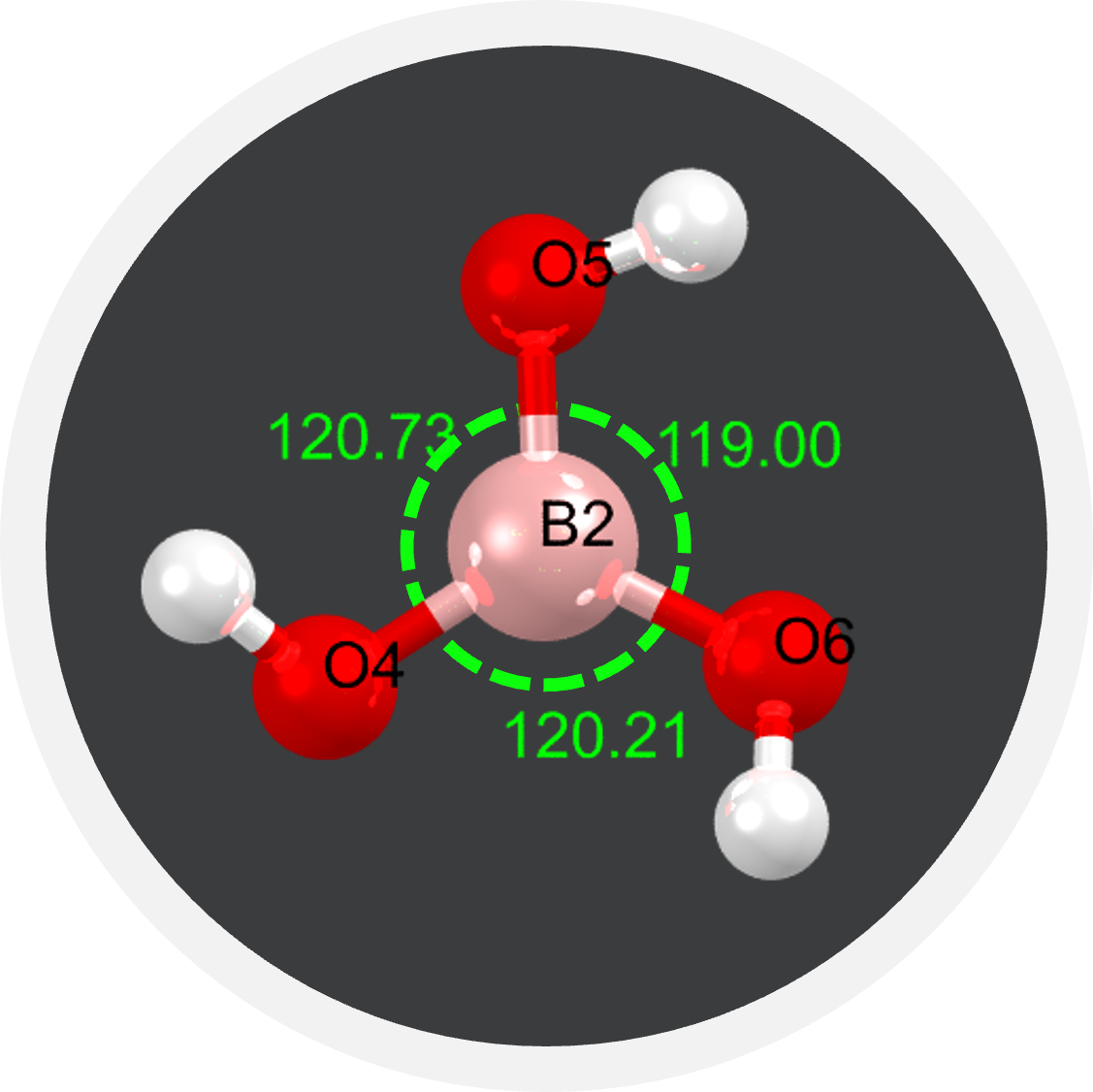
The Teaching Subset is a collection of the structural data for over 1000 chemical structures. This data set and the associated learning resources we provide can be used to teach a variety of topics in chemistry for a range of ages. It is most suitable for children aged 16 years old and above and for chemistry students in higher education.
However if you are a teacher, parent or curious person there’s still lots you can discover. There’s something for everyone!
The Teaching Subset is free to access, download and use for educational purposes.
What can you teach and learn using the Teaching Subset?
The structures in The Teaching Subset have been classified by the various concepts they can be used to demonstrate. The categories are listed below with a description of the chemistry concepts they can be used to teach. Each card is a hyperlink to the view of that set of structures in our free Access Structures service.
Viewing any of the structures in Access Structures can show you:
- What atom types make up the chemical structure.
- How those atoms are arranged in 3-dimensional space (short guide available here).
- The 2-dimensional representation of the structure.
- The name of the structure.
- Information regarding the publication (authors, journal, etc).
- Concepts of X-ray crystallography.
Categories
How can you access the Teaching Subset?
Access Structures
Explore all the Teaching Subset structures in Access Structures at this link.
For each category, instead, click on the links above to access each group of structures in the Teaching Subset in Access Structures.
Open in Access Structures
Annotated Spreadsheet
Download an annotated spreadsheet of all the structures in the Teaching Subset
CIF files
Download the CIF files for all the structures in the Teaching Subset from the Downloads page.
From the CSD-Community area, select CSD Educational Collection, then select CSD Educational Collection CIFs to download the Teaching Subset structures.
Go to Downloads
In Mercury
Structures are pre-loaded in the the free version of the CCDC’s software Mercury.
After you download and install Mercury, open it and from the CSD-Community menu, select Open Teaching Database to access the Teaching Subset structures.
Find out more and download the free version of Mercury
How can you use the Teaching Subset?
You can use the Teaching Subset in your classroom, demonstrating concepts to your students, assigning them exercises involving exploring the structures, or as it fits your teaching style and your students learning the best!
If you are looking for some examples and inspiration:
- We have a collection of Teaching Modules, realised in collaboration with educators from the community, that can be used as stand alone educative packages for a broad range of chemistry science topics suitable for many ages from young to old, including topics in post-16 chemistry course. Find the modules at this link.
- See how other educators in the community are using the CSD in their teaching in the CSD Educators collections:
- Read the blogs by selecting the tag CSD Educator in our blogs webpage.
- Watch the playlist.
- Understanding the Teaching Subset: guide for educators with little or no experience of crystallography with tips and tricks to make use of the CSD Teaching Subset.
Endorsements
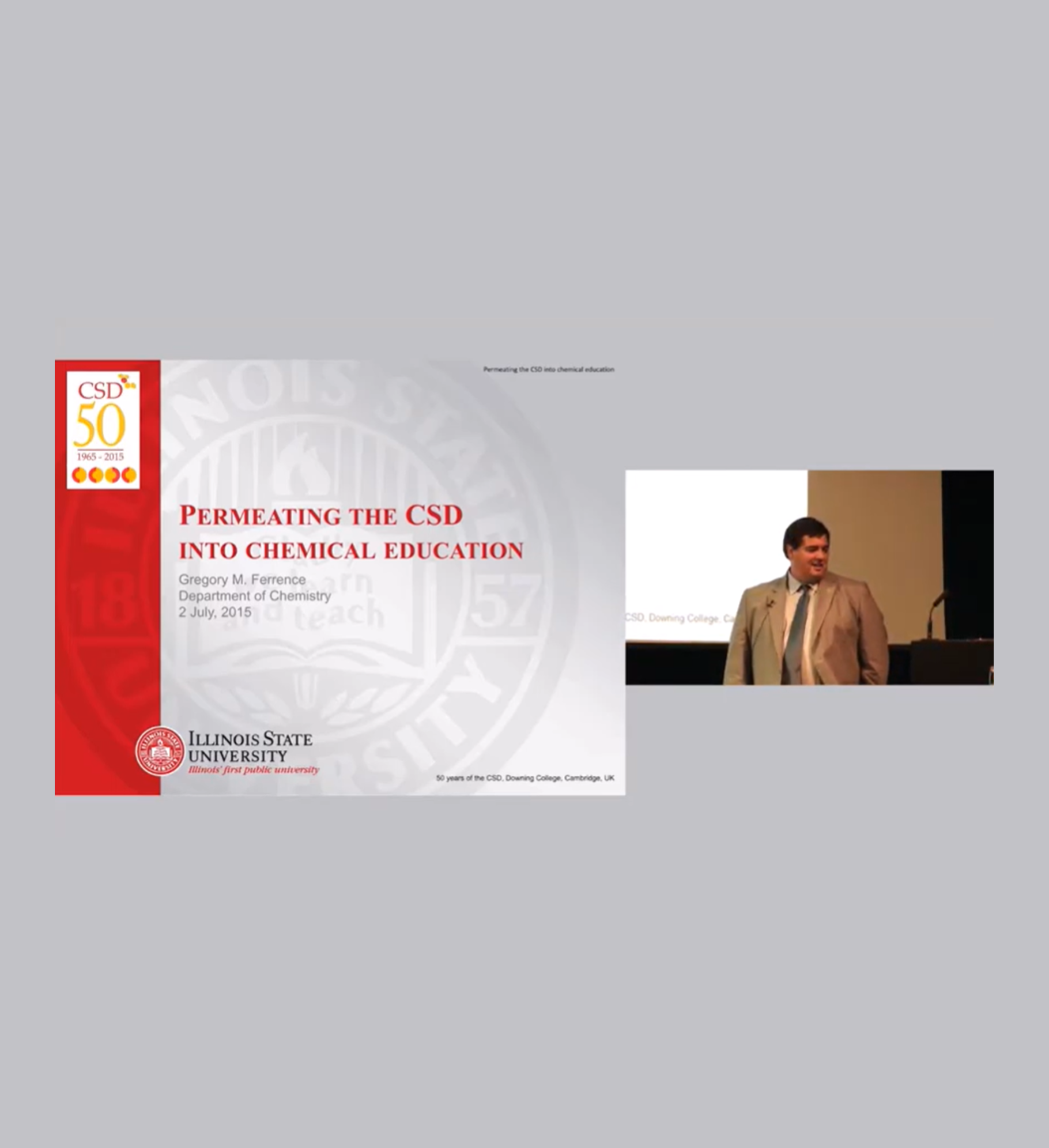
On the right – Video by Professor Gregory Ferrence, from Illinois State University: “Permeating the CSD into Chemical Education”
Below – Quote from Professor Miriam Rossi, from Vassar College
“The Cambridge Structural Database (CSD) is a wonderful asset to my teaching chemistry at both the university introductory level and in an advanced inorganic
chemistry course. I have been using it for over 20 years to illustrate the 3-D structures of interesting molecules! Recent improvements and the availability of the
Teaching Database, Mercury, and WebCSD, have made the CSD my primary (and indispensable) teaching tool. Students inevitably love seeing the magnificent structures and Mercury is so easy to use that they become captivated.
Specifically, in the introductory course, I utilize it to illustrate the structures of
interesting molecules such as pesticides (such as DDT and Aldrin, Dieldrin), common medicinal compounds (e.g., aspirin, penicillin), the nucleic acid bases, and molecules involved in food chemistry (capsaicin). Some of the teaching modules (for example, VESPR theory) are quite useful.
For the advanced course, I have students use the database to (1) investigate metal-complex geometries (coordination numbers 2-10); (2) view ligand structures and how
they get modified when they are complexed to metals; (3) investigate point group and space group symmetry elements and chirality in inorganic complexes; (4) do some of the educational modules; (5) design homework assignments where students measure bond distances and angles, intermolecular interactions, (6) visualize structural changes that result when functional groups are changes, etc.”
Publications
- Learning about intermolecular interactions from the Cambridge Structural Database
G. M. Battle and F. H. Allen, J. Chem. Educ., 89, 38-44, 2012 10.1021/ed200139t - Teaching chemistry in 3D using crystal structure data
S. Henderson, G. M. Battle, and F. H. Allen, Education in Chemistry, Vol 48, No. 6 (November 2011) - Teaching 3D structural chemistry using crystal structure databases 4: Advanced examples of discovery-based learning
G. M. Battle, F. H. Allen, G. M. Ferrence, J. Chem. Ed. 88, 891-897, 2011 10.1021/ed1011025 - Teaching 3D structural chemistry using crystal structure databases 3: The Cambridge Structural Database System – database content and access software in educational applications
G. M. Battle, F. H. Allen, G. M. Ferrence, J. Chem. Ed., 88, 886-890, 2011 10.1021/ed1011019 - Applications of the Cambridge Structural Database in Chemical Education
G. M. Battle, G. M. Ferrence, F. H. Allen, J. Appl. Cryst., 43, 1208-1223, 2010 10.1107/S0021889810024155 - Teaching 3D structural chemistry using crystal structure databases: 2. Example teaching units that utilise an interactive web-accessible subset of the Cambridge Structural Database
G. M. Battle, F. H. Allen, G. M. Ferrence, J. Chem. Ed., 87, 813-818, 2010 10.1021/ed100257t - Teaching 3D structural chemistry using crystal structure databases: 1. An interactive web-accessible teaching subset of the Cambridge Structural Database
G. M. Battle, F. H. Allen, G. M. Ferrence, J. Chem. Ed., 87, 809-812, 2010 10.1021/ed100256k